



Simple Team Onboarding
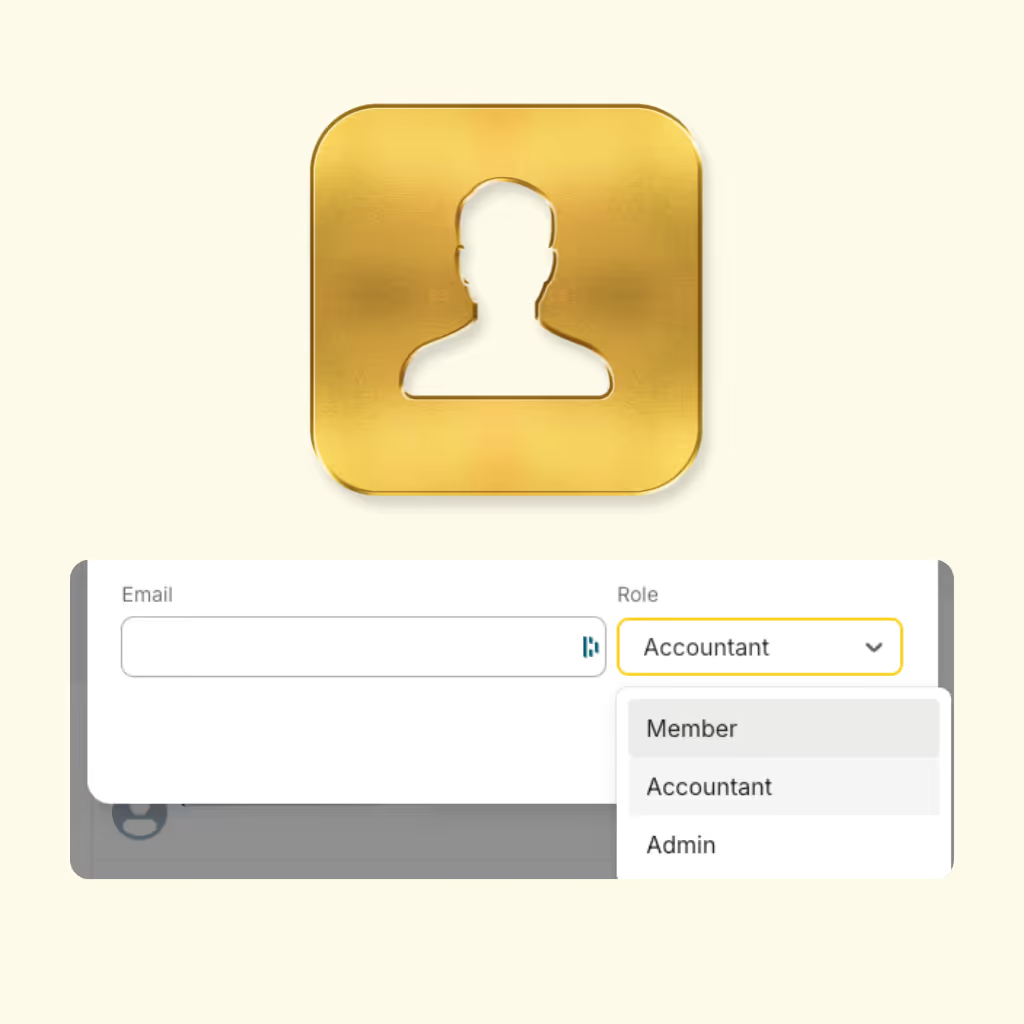
Invite your team in seconds. Set permissions for employees, managers, accountants, or admins — no training needed.
Built-In Approvals
Never confused about expense status. Track pending, approved, rejected and reimbursed expenses in real time.
Roles & Permissions That Scale
Control who can submit, review, approve, or export expenses. Stay compliant without slowing your team down.
Give every team member an easy way to submit and track their own expenses — wherever they are. Employees can upload receipts through the web app, mobile app, or simply forward them via email.
They can submit expenses in seconds, generate their own reports, and always see the status of their submissions — without any back-and-forth messages or missing receipts.


Empower selected teammates to help manage your organization. Admins can approve expenses, adjust categories, and create projects — keeping everything organized and accurate.
Promote teammates to Admin roles
Manage expense categories and settings
Create and assign new projects
Bring your accountant directly into ExpenseMonkey — no more exporting files or juggling spreadsheets.
They can see every submitted expense, validate data, and ensure your categories and projects stay aligned.
Access all submitted expenses across your organization
Adjust or confirm categories and tax settings
Create reports ready for export or accounting software
Your accountant gets everything they need — clean, structured, and audit-ready data.
Yes. You can invite as many team members as you need. Each member gets their own login to submit expenses, generate reports, and track approval status.
ExpenseMonkey supports three main roles — Team Member, Admin, and Accountant. Each comes with its own access level to keep your expense management secure and organized.
Admins can approve expenses, manage categories and settings, create projects, and view all submissions across the organization — helping you stay in control as your team grows.
Accountants can view all submitted expenses, verify data, adjust categories or projects, and prepare everything for export to your accounting software.
Team members can submit expenses from the web app, mobile app, or by simply forwarding receipts via email. ExpenseMonkey automatically extracts and categorizes the data for review.
Yes. You can manage visibility based on roles and teams. Employees only see their own submissions, while Admins and Accountants can access all expenses within the organization.
Empower employees, admins, and accountants to manage expenses together — all in one shared workspace.
